


Backup and sync
Create encrypted local backups and optionally sync across devices with Pro.
Local backup (Free)
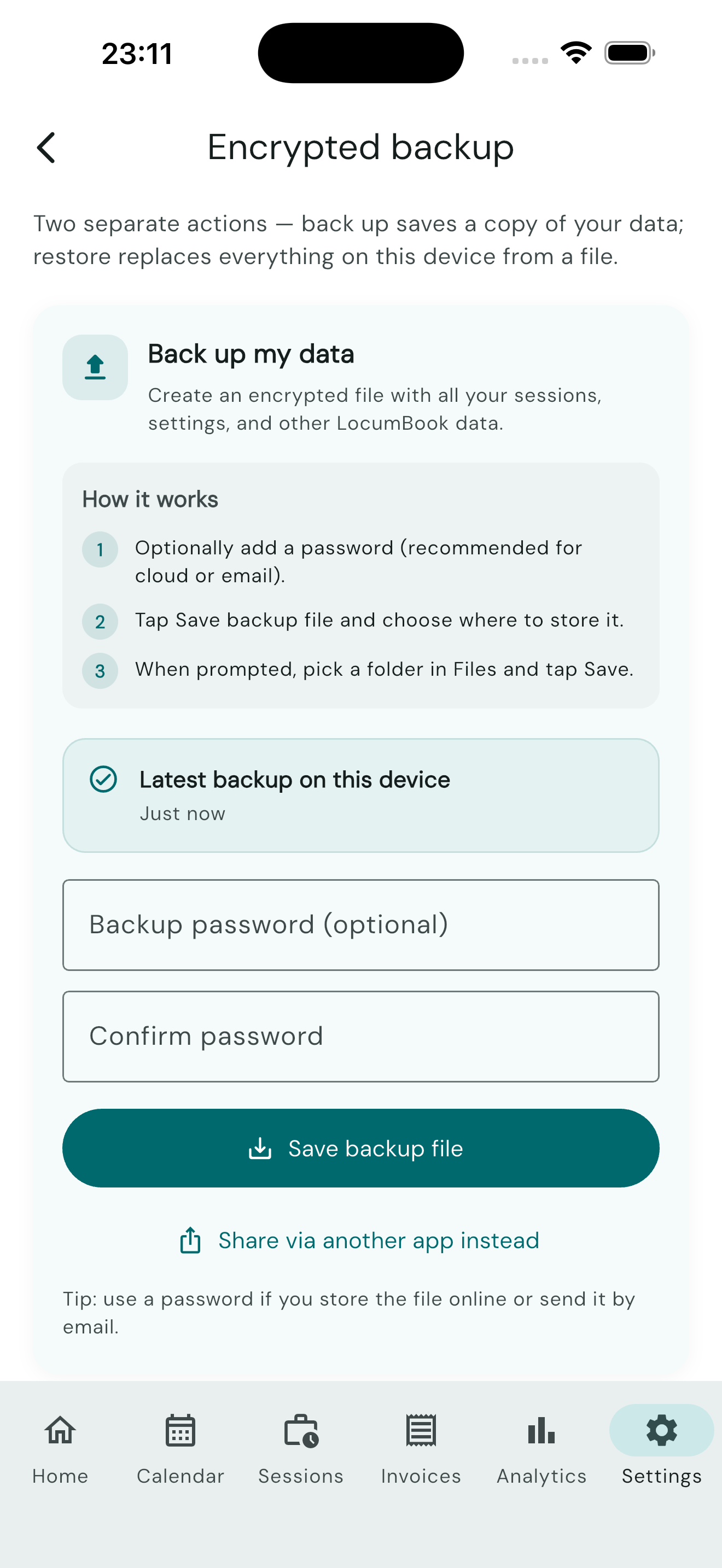
Create an encrypted .lbkbackup file from Settings → Data management. See the FAQ for backup and restore guidance:
- Tap Create backup.
- Save the file to Files, iCloud, or another secure location.
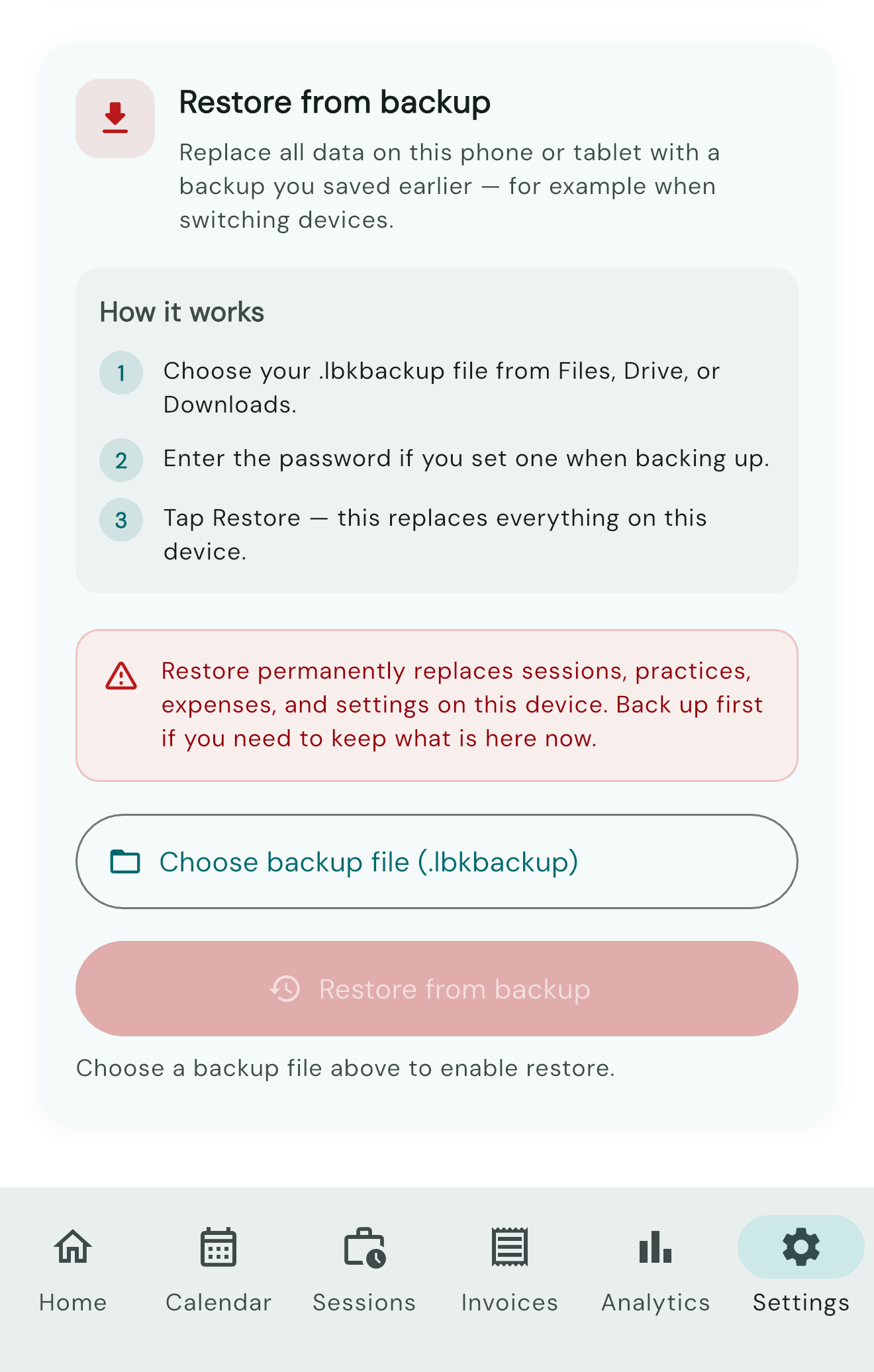
- To restore, tap Restore backup and select your file.
Local backups are encrypted and do not require an account.
Cloud sync (Pro)
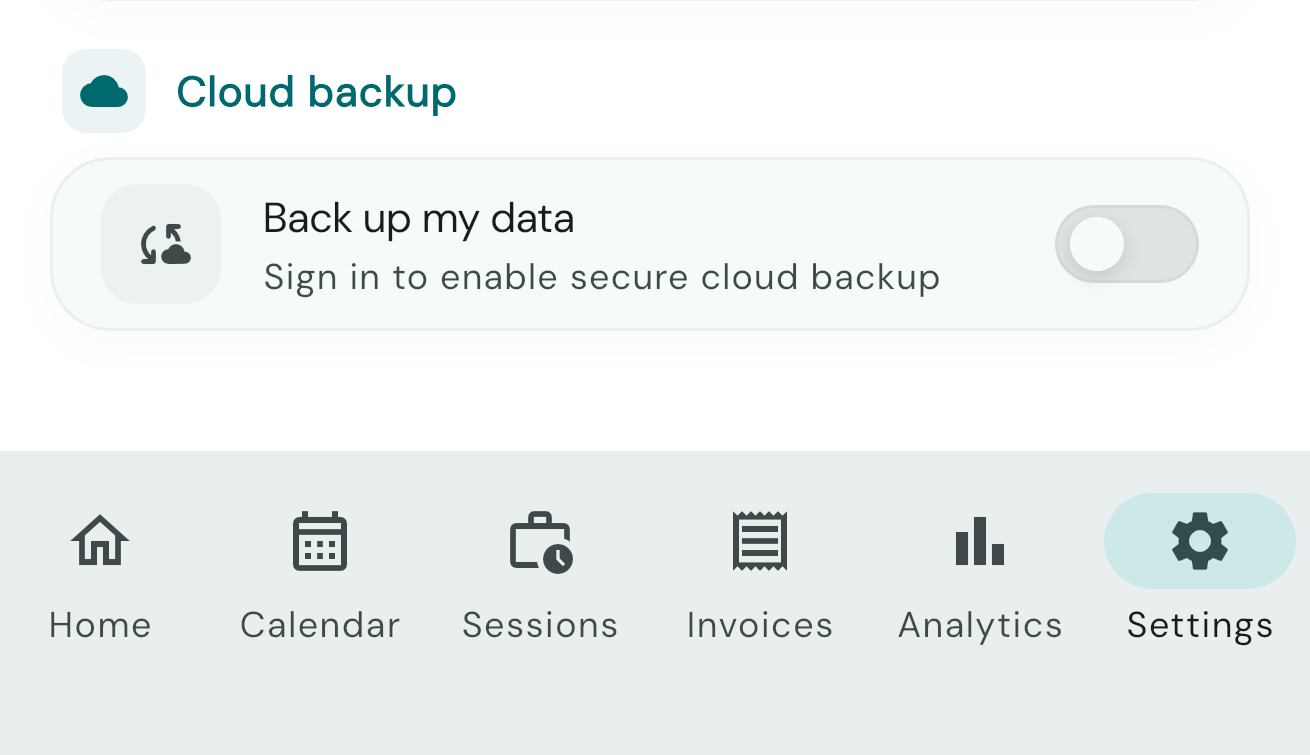
Optional encrypted sync across devices requires all of the following:
- An active LocumBook Pro subscription
- Sign-in with Apple or Google
- Explicit opt-in to cloud sync in Settings
Your data is not uploaded without all three conditions.
Data import (Pro)
Import sessions from spreadsheets or other apps from Settings → Data management.
Delete data
You can delete local data by uninstalling the app. Cloud data can be removed from Settings when sync is enabled.
Pro required: Cloud backup and sync, and data import from external sources.