


Dashboard
Tax year summary, month stats, analytics by session type, and PDF export.
Switch tax year
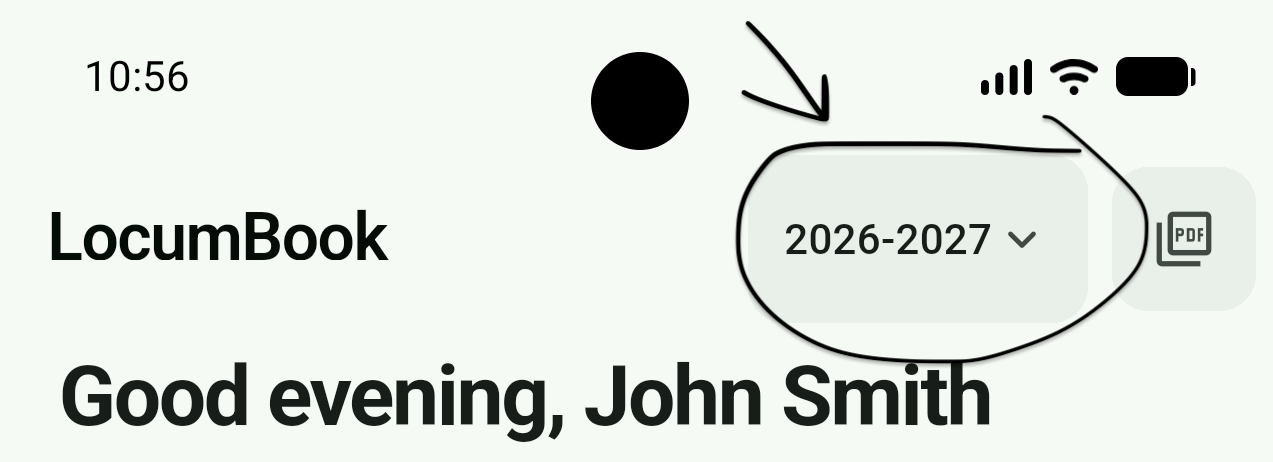
All figures on the dashboard reflect the selected UK tax year. Tap the tax year selector to review previous years at any time.
This month at a glance
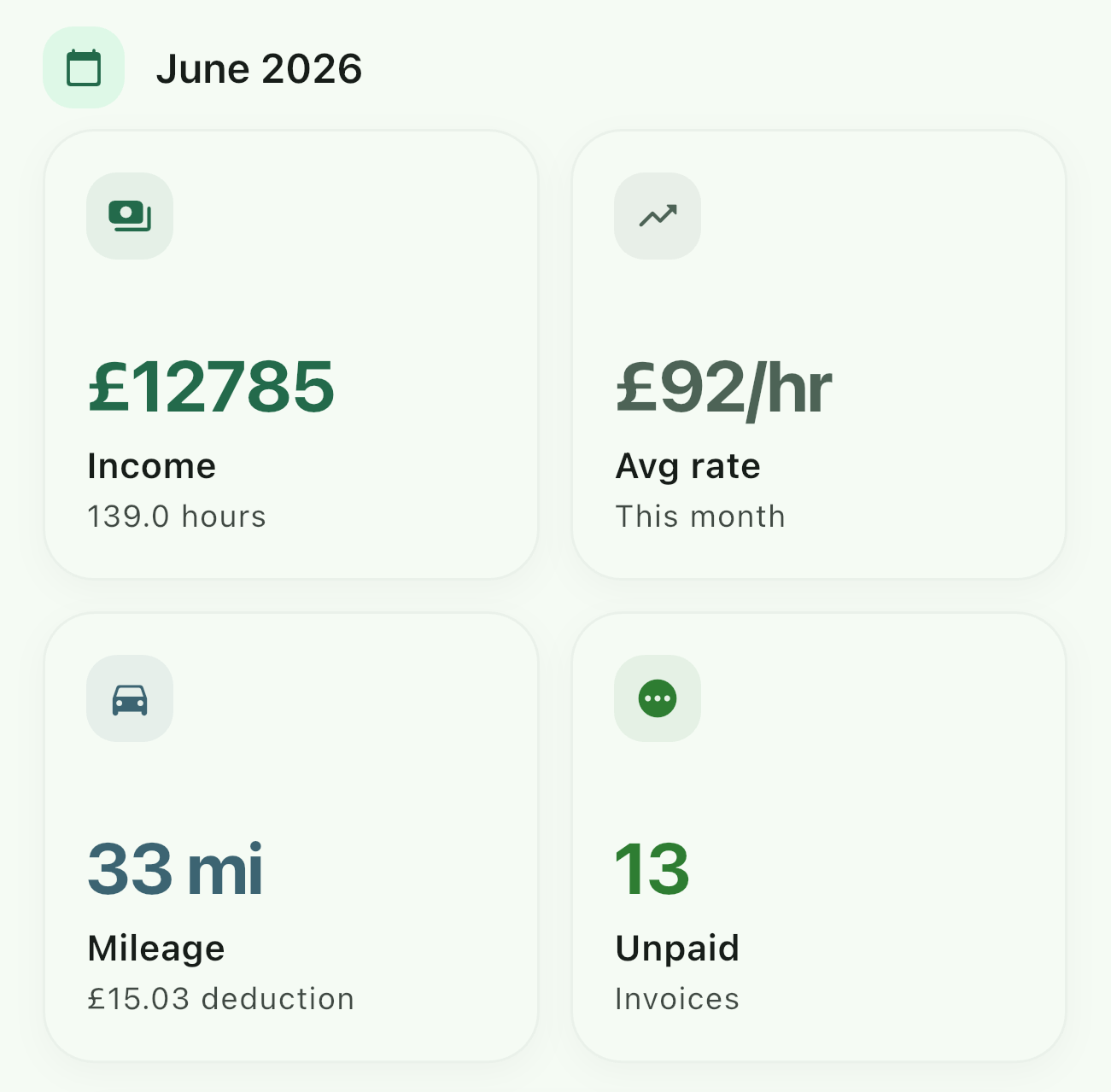
See hours worked, income earned, and any unpaid invoices for the current month — refreshed automatically as you log sessions.
Tax year overview
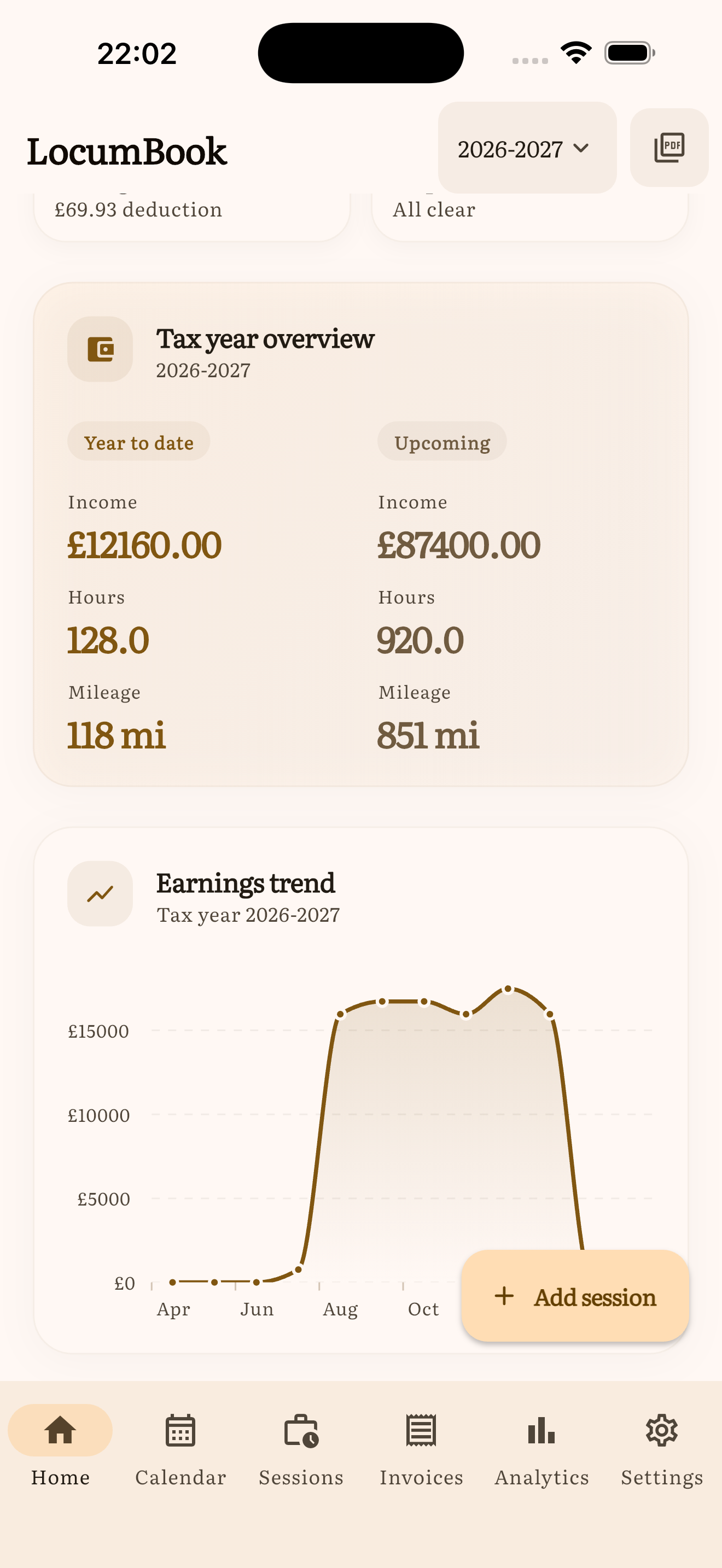
The Tax year overview card compares year-to-date income, hours, and mileage with what is still booked ahead. Earnings trend sits below it and plots income across the same tax year.
Upcoming sessions
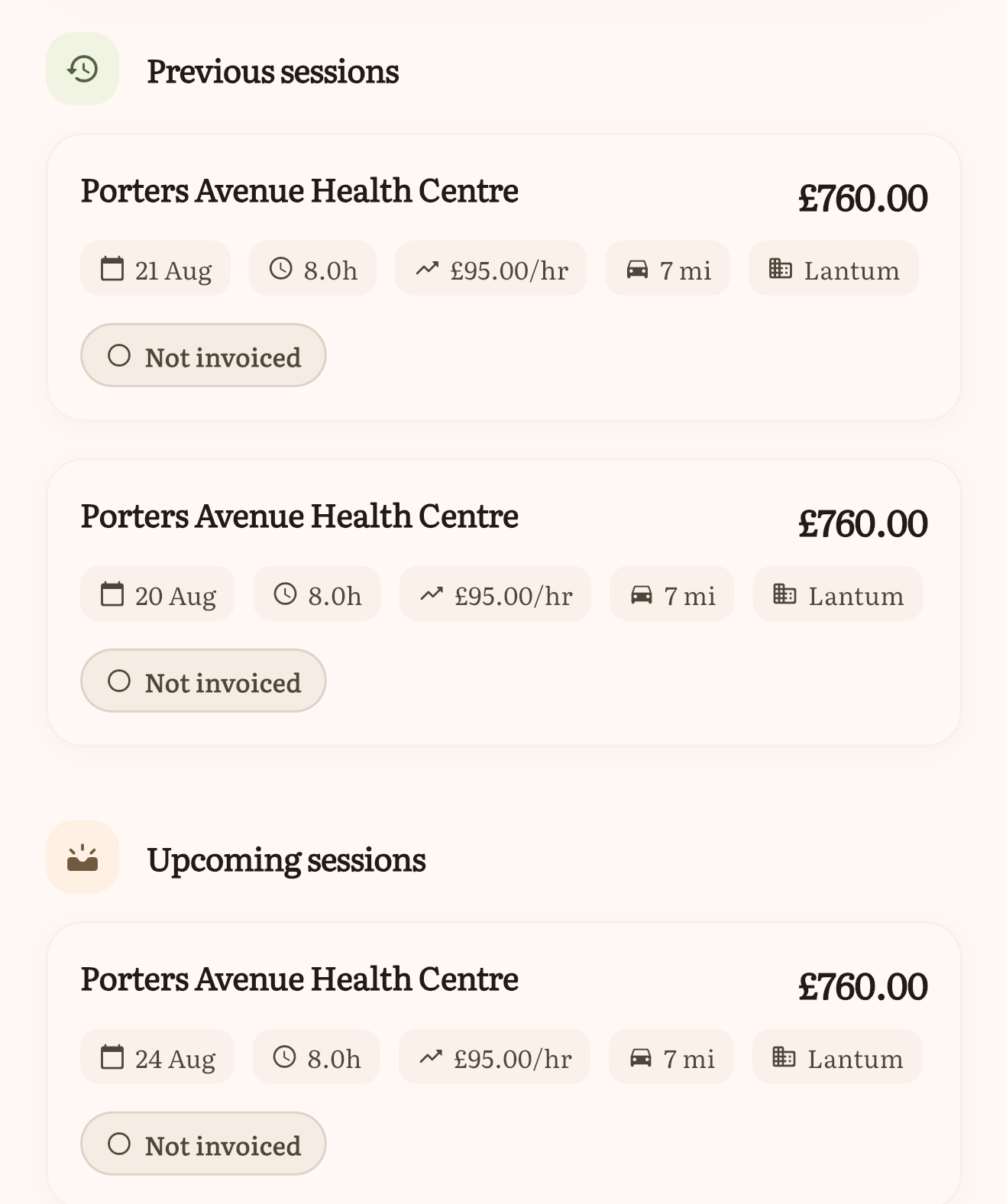
Your next bookings appear here. Tap a card to view details, edit, or open directions to the practice.
Shortcuts on session cards: tap to open. Swipe right to mark invoiced (or paid, if already invoiced). Swipe left to delete, with a confirmation. Swipes are off while you are in selection mode.
Log a session
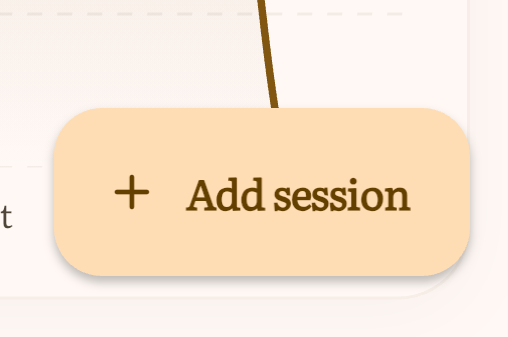
The Add session button is the fastest way to record a new shift. Pick a session type, enter hours, and the fee can fill from your practice, type, or global rate. See Sessions for every field on the Log session screen. You can also import sessions from email or your device calendar from Settings.
Analytics (Pro)
Open Analytics for income trends, top practices, average hourly rate, and tax-year breakdowns.
- Types tab — income breakdown by session type (Surgery session, Home visit, and so on). Sessions without a type appear as Unspecified.
- Filter chips sit above all analytics tabs (All types / Surgery / Home visit / etc.). Filtering recalculates totals for the selected type only.
Where NHS pension tracking is on, analytics copy shows board-paid employer for Scotland and Northern Ireland.
Pro required: Advanced analytics, including the Types tab and type filters.
Self-assessment export (Pro)
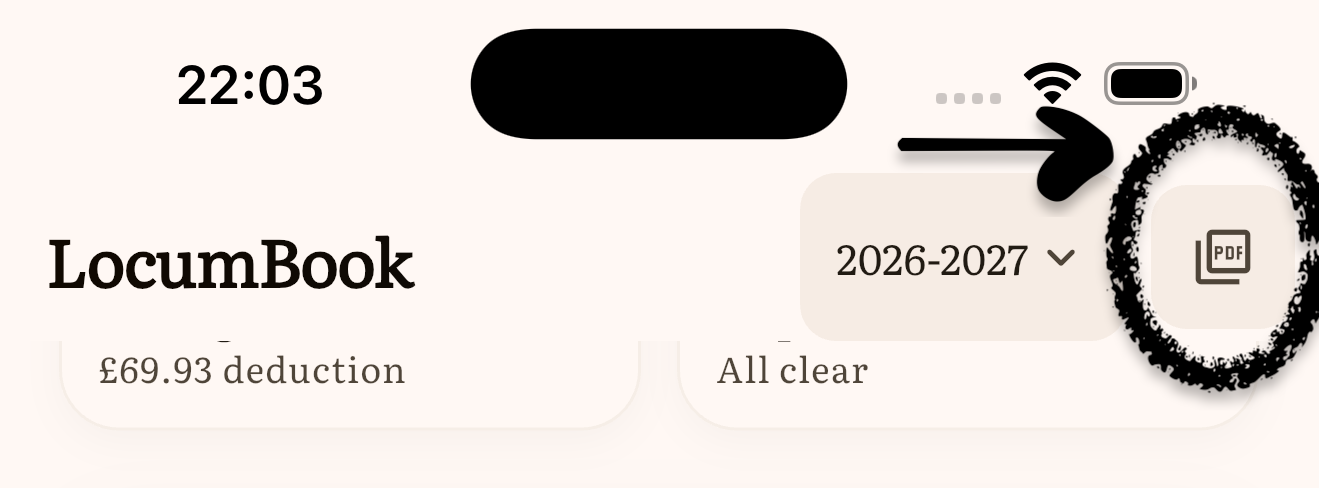
Generate a PDF summary suitable for HMRC self-assessment, including mileage and parking deductions. Tap the export button on the dashboard or visit the Tax export screen.
Pro required: PDF self-assessment export is a LocumBook Pro feature.